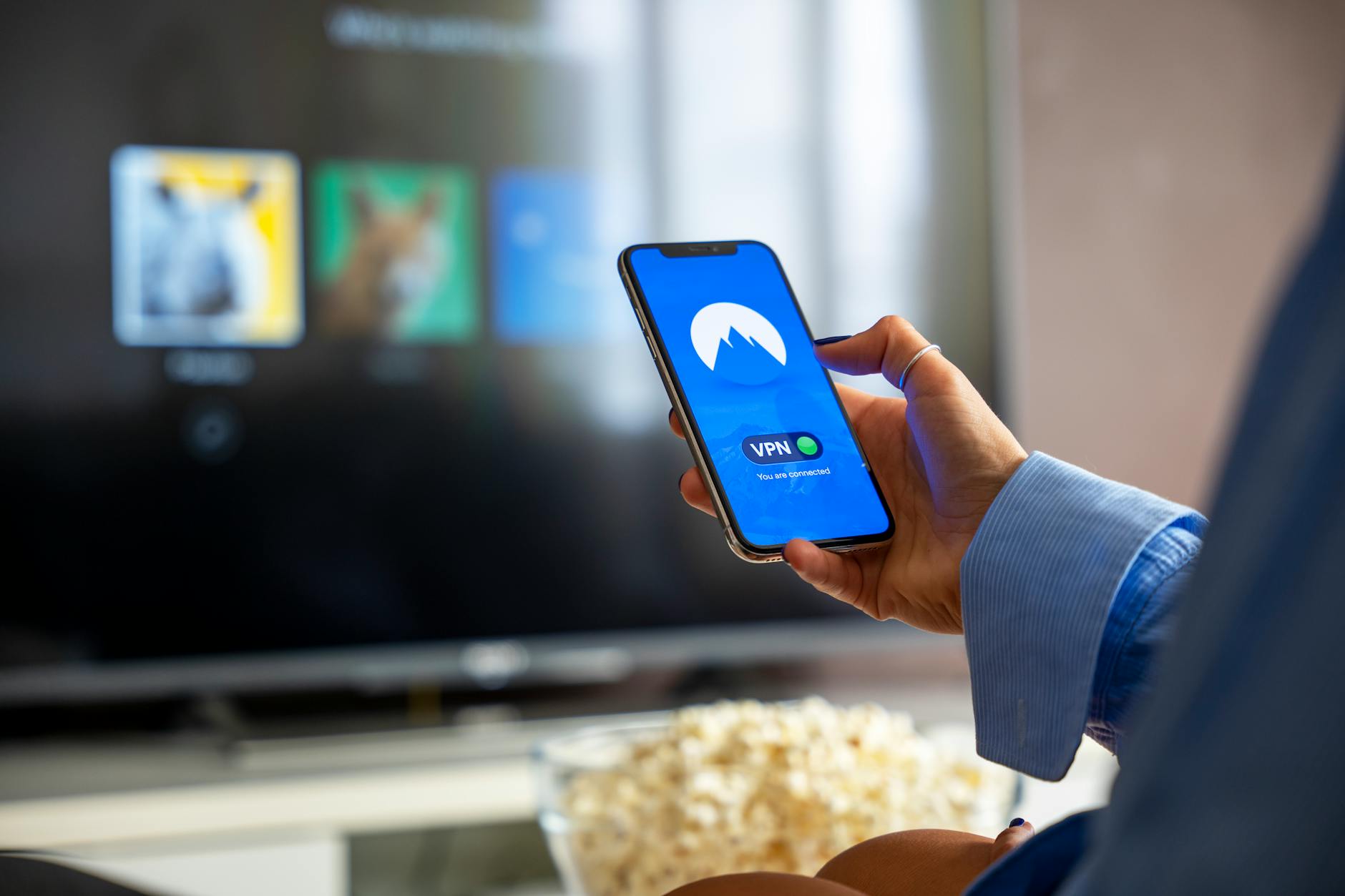
In the UK, your smart TV is more than just a gateway to entertainment; it's a potential data collection hub. This UK smart TV privacy settings guide will help you understand and reclaim control over your personal information.
Understanding Smart TV Data Collection
Smart TVs, by their very nature, are connected devices designed to gather information to enhance your viewing experience and serve targeted advertising. This smart TV data collection encompasses a range of activities, from tracking the programmes you watch and the apps you use to monitoring your viewing habits and even, in some cases, your voice commands through built-in microphones. Manufacturers often use this data to create user profiles, which can then be shared with third-party advertisers or used to develop new features.
The extent of this data collection can be quite extensive. For example, companies like Samsung, LG, and Sony collect viewing data through their respective smart TV platforms. This data can include the specific channels you tune into, the streaming services you access, and how long you watch each programme. Some smart TVs also employ Automatic Content Recognition (ACR) technology, which can identify what you're watching on external devices like set-top boxes or Blu-ray players, effectively extending their data-gathering capabilities beyond their own interface.
According to a report by the Information Commissioner's Office (ICO), the UK's data protection regulator, smart TVs can collect "sensitive personal data" if not properly configured. This highlights the importance of understanding the privacy policies of your smart TV manufacturer and actively managing the settings. The ICO’s guidance emphasises that consumers have rights regarding how their data is processed, and being informed is the first step to exercising those rights.
Essential Privacy Settings to Adjust
The most critical step in safeguarding your UK smart TV privacy is to dive into its settings menu and disable data collection features. Look for options related to "Viewing Information," "Interest-Based Advertising," "ACR," or "Voice Recognition." On many smart TVs, you can opt out of personalised advertising, which significantly reduces the amount of behavioural data collected for marketing purposes. It's also wise to disable any "Smart Features" or "Smart Hub" data sharing if you don't actively use them.
Many manufacturers provide a privacy or terms of service section within the settings where you can review and adjust permissions. For instance, LG's WebOS platform allows users to disable "LivePlus" or "Live Screen" features, which are responsible for displaying tailored content and advertisements based on viewing habits. Similarly, Samsung's Tizen OS offers options to disable "Interest-Based Advertising" and "Voice Recognition Services" if you're not using them. Always take the time to read the descriptions of each setting to understand its implications.
Furthermore, consider disabling or limiting the use of built-in microphones and cameras if your smart TV has them. While these features can enable voice control and video calls, they also pose a significant privacy risk if compromised. If you don't use these functions, it's best to disable them entirely in the settings. For a comprehensive overview of how to manage these settings across different brands, resources like Which? often provide detailed, up-to-date guides tailored for UK consumers.
Securing Your Smart TV from Cyber Threats
Beyond adjusting privacy settings, smart TV security is paramount to prevent unauthorised access and potential smart TV hacking. Ensure your smart TV's firmware is always up-to-date. Manufacturers regularly release security patches to fix vulnerabilities, so enabling automatic updates is a sensible precaution. If automatic updates aren't an option, make it a habit to manually check for and install firmware updates regularly.
Your home Wi-Fi network is the primary gateway for your smart TV to connect to the internet. Therefore, securing your Wi-Fi network is crucial for smart TV security. Use a strong, unique password for your Wi-Fi, and consider enabling WPA3 encryption if your router supports it. Avoid using default router passwords, as these are easily discoverable. Additionally, segmenting your home network by creating a separate guest network for your smart devices can add an extra layer of protection, isolating them from your primary network.
It's also important to be cautious about the apps you download onto your smart TV. Only download apps from official app stores provided by the manufacturer. Be wary of third-party app stores or sideloaded applications, as these can be a source of malware. Regularly review the permissions requested by each app and uninstall any apps you no longer use or trust. This mindful approach to app management is a key component of smart TV hacking prevention.
Recommended UK Smart TV Privacy Practices
For UK residents, it’s vital to remember that your data is protected under the UK GDPR. Familiarise yourself with your manufacturer's privacy policy, paying close attention to how your viewing data is used and if it's shared with third parties. Actively disable features that collect viewing habits and personalised advertising, and never use default passwords for your Wi-Fi network or any smart TV accounts.
Prioritise keeping your smart TV's software updated to patch security vulnerabilities. If your smart TV offers a guest network option for connected devices, utilise it to isolate your smart TV from other sensitive devices on your home network. Regularly review installed applications and their permissions, uninstalling anything you don't recognise or need. This proactive approach to UK smart TV privacy will significantly enhance your online safety.
Consider limiting the functionality you enable if you don't use it. For instance, if you never use voice commands, disable the microphone. If you don't make video calls, disable the camera. These simple steps can dramatically reduce your smart TV's data footprint and mitigate potential security risks, ensuring your connected TV privacy is better protected.