As the UK's digital landscape evolves, so too do the tools available to creators. With Google entering the AI design arena, many are asking: is the Google AI design tool vs Canva UK the ultimate showdown for content creation?
Google's New AI Design Tool Explained
Google has been steadily integrating AI into its suite of creator tools, and its latest offering aims to simplify graphic design for a broad audience. This new prompting-based design tool, currently in early access, allows users to generate visual assets by simply describing their desired outcome in plain language. Imagine needing a social media graphic for a local bakery's new sourdough range; you could theoretically type "Create a rustic, warm-toned Instagram post graphic for a bakery, featuring a crusty loaf of sourdough and the text 'Freshly Baked Daily'."
The technology behind this tool leverages advanced large language models and image generation capabilities, similar to those powering other AI creator tools. While specific details are still emerging, the focus is on democratising design, enabling individuals and small businesses without extensive design experience to produce professional-looking visuals quickly. This could be a significant advantage for UK businesses looking to maintain a consistent and engaging online presence without the cost of hiring a dedicated designer.
Early reports suggest that Google's approach is to make the creation process intuitive and iterative. Users can refine their prompts, guiding the AI to adjust colours, styles, and elements until the design meets their specifications. This moves beyond simple template selection, offering a more dynamic and personalised design journey. For a comprehensive overview of Google's AI ambitions, their AI blog often provides insights: [https://blog.google/technology/ai/](https://blog.google/technology/ai/)
How Prompt-Based Design Works vs Canva Templates
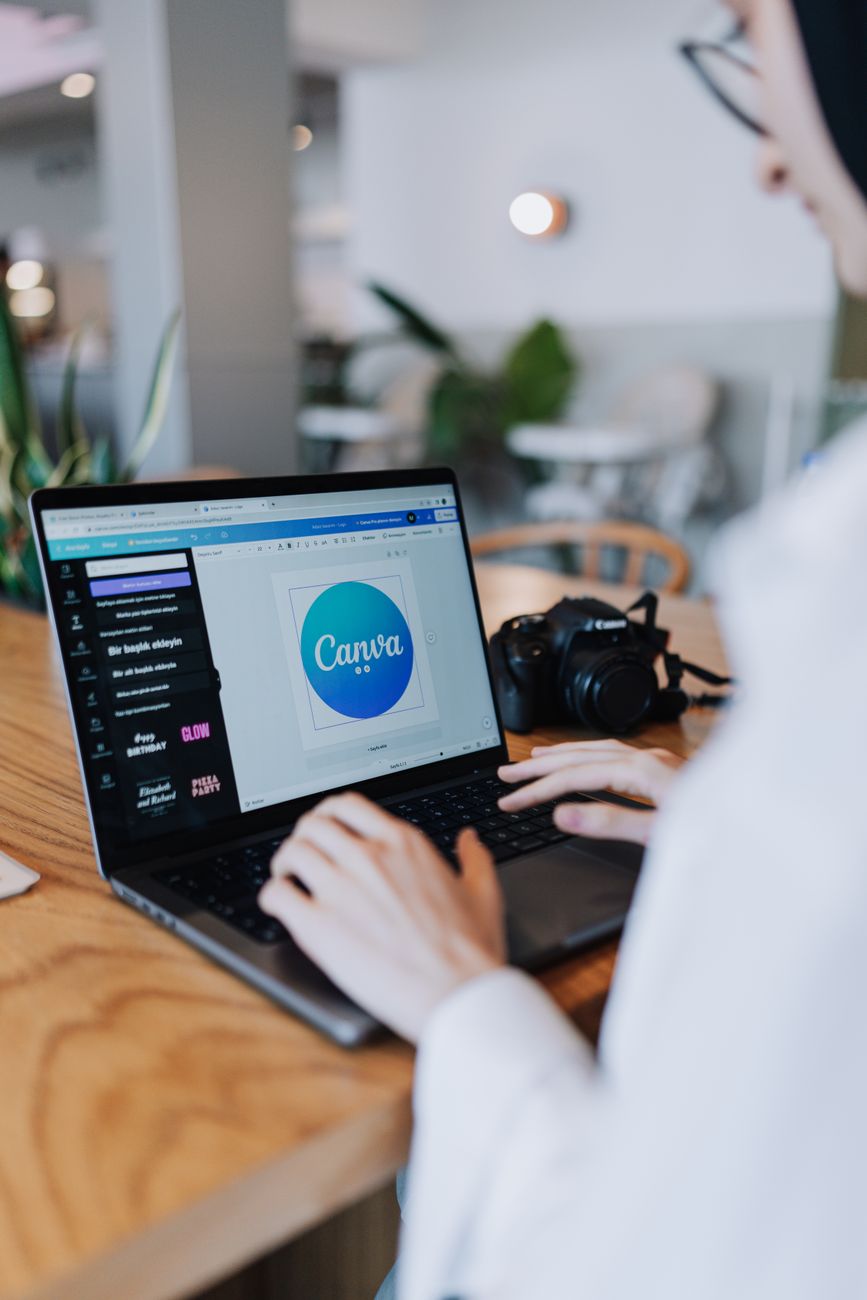
Canva has long been the go-to platform for many UK users due to its user-friendly interface and vast library of templates. Its strength lies in its accessibility; users can select a template, customise text, colours, and images, and have a polished design in minutes. This template-driven approach is excellent for consistency and speed, especially for recurring tasks like social media posts or simple flyers.
The Google prompt design tool, however, offers a fundamentally different creative process. Instead of choosing from pre-set layouts, users articulate their vision, and the AI generates it. This allows for greater originality and can produce designs that might not exist within a template library. For a UK fashion brand launching a unique seasonal collection, this could mean generating bespoke imagery that truly reflects their brand identity, rather than adapting a generic template.
While Canva excels at providing a structured framework, prompt-based design aims to unlock a more freeform and imaginative creation space. It’s about translating an idea into a visual without the constraints of pre-defined elements. This contrast is crucial for understanding which tool might suit different needs. For instance, if a UK charity needs to quickly produce a standard event poster, Canva's templates are likely more efficient. But for a startup aiming for a truly distinctive brand aesthetic, the Google AI creator tools might offer a more compelling starting point.
Pricing and Availability for UK Users
As Google's AI design tool is still in its early stages, its exact pricing and availability for UK users are subject to change. However, given Google's existing product strategies, it's plausible that it will be integrated into existing platforms like Google Workspace or offered as a standalone service with a freemium model. Many AI graphic design software options are exploring tiered pricing, offering basic features for free and advanced capabilities for a subscription fee.
Canva, on the other hand, has a well-established pricing structure in the UK. It offers a robust free tier that is incredibly generous for individuals and small businesses, providing access to a significant portion of its design elements and templates. For those needing more advanced features, such as brand kits, premium content, and background remover, Canva Pro is available, and its pricing is competitive for the UK market, often with discounts for annual subscriptions.
For UK creators and small businesses, the cost-effectiveness of these tools is a major consideration. If Google's offering provides a powerful free tier that rivals Canva's paid options, it could significantly disrupt the market. Conversely, if it's a premium-only service, Canva's established free and affordable pro options will likely remain the preferred choice for many. Keep an eye on Google's official announcements for the most up-to-date information regarding its rollout in the UK.
Which Tool Wins for UK Small Businesses?
For UK small businesses, the choice between the Google AI design tool and Canva hinges on their specific needs and priorities. If speed, ease of use, and a vast library of pre-designed assets are paramount, Canva remains an excellent Canva alternative UK. Its template system is perfect for businesses that need to churn out consistent marketing materials quickly without a steep learning curve. The free tier is particularly attractive for startups and micro-businesses operating on tight budgets.
However, if originality, bespoke branding, and the ability to generate unique visuals from text prompts are more important, Google's new AI design tool could be a compelling option. For a UK-based artisanal food producer wanting to create eye-catching social media content that truly reflects their unique products and brand story, the AI's generative capabilities might offer a distinct advantage over adapting generic templates. This AI graphic design software could allow them to stand out in a crowded marketplace.
Ultimately, the "best" tool depends on the business. Many UK creators will likely find themselves using both. Canva for everyday tasks and quick social media updates, and Google's prompt design tool for more conceptual or brand-defining visual assets. The key is to experiment with both as they become more widely available to see which best integrates into your existing workflow and creative process.